A shared family calendar becomes reliable when everyone understands what an entry means. A coloured block labelled 'sport' says little about location, transport or who needs to attend. A few common rules make the calendar easier to act on, rather than another place where someone has to interpret everyone else's notes.
Decide which appointments belong in it
Not every meeting at work needs to appear on the family calendar. Share commitments that affect someone else: late arrivals home, childcare, school events, visitors and activities requiring transport. This keeps the shared view readable.
Privacy does not have to mean leaving a planning gap. You might share a block marked 'unavailable' without adding personal details. Agree how much information others need to coordinate the household, and keep unrelated information in personal calendars.
Use a useful title and name an owner
'Mila — swimming — Sam collecting' is clearer than 'swimming'. Put the address, finish time and preparation in a predictable place. When a commitment involves several actions, make clear who handles each part.
Colour can support the system, but should not carry all the meaning. Names also help when somebody finds colours difficult to distinguish or reads an appointment as plain text in a notification. Check whether another family member could understand an entry without asking its author.
Give each appointment one source
Before entering an activity, check whether it already appears through a connected calendar. Creating a second copy can leave one version outdated when the time changes. Decide where each kind of appointment is originally maintained.
- Enter a new appointment once.
- Check that the right family members are involved.
- Review transport and repeating events when making a change.
- Remove cancelled activities so old information is not mistaken for a current plan.
Be selective with reminders
The person preparing equipment may need a different reminder from someone who only needs to know when you will be home. Too many notifications make it tempting to ignore all of them. Choose reminders around actions, rather than sending every update to everyone.
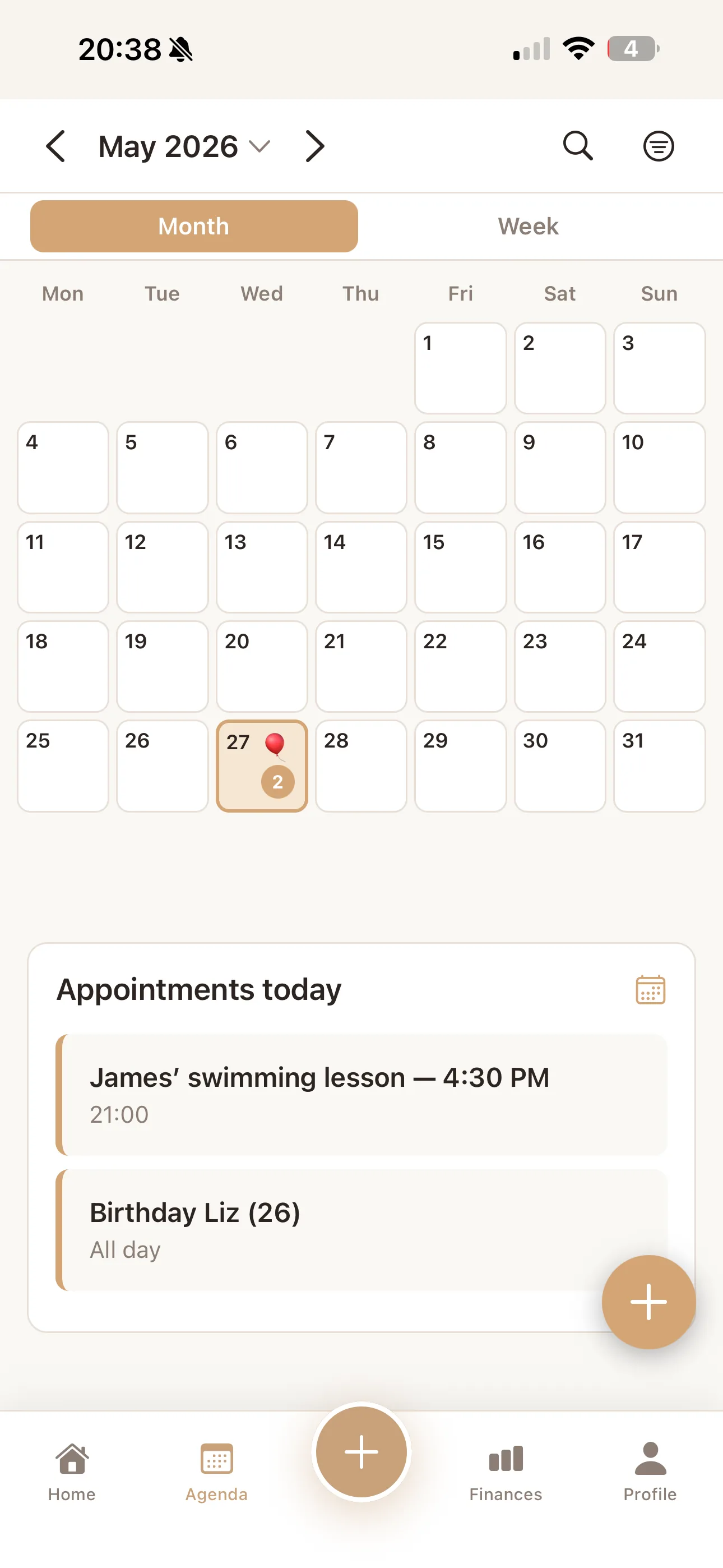
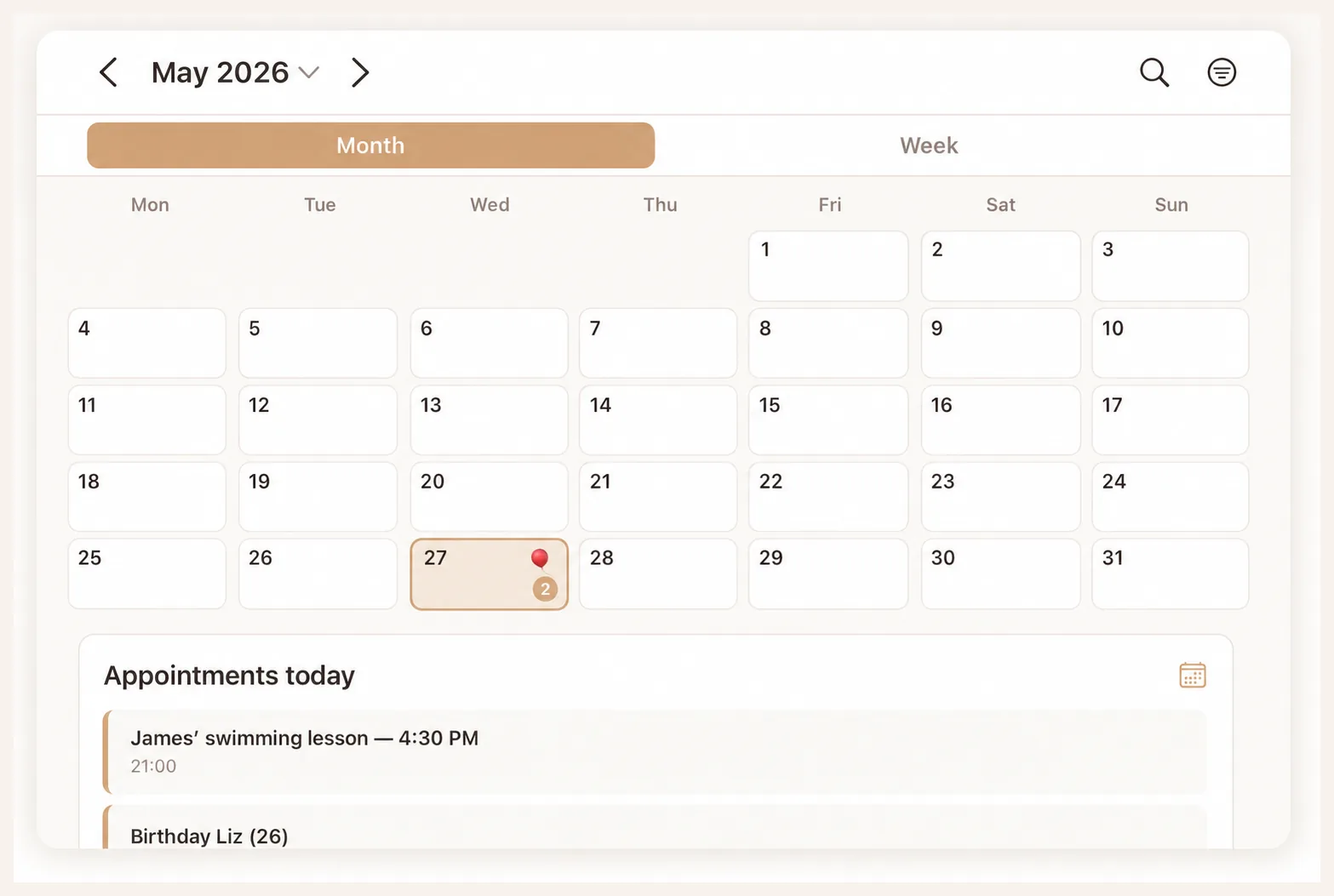
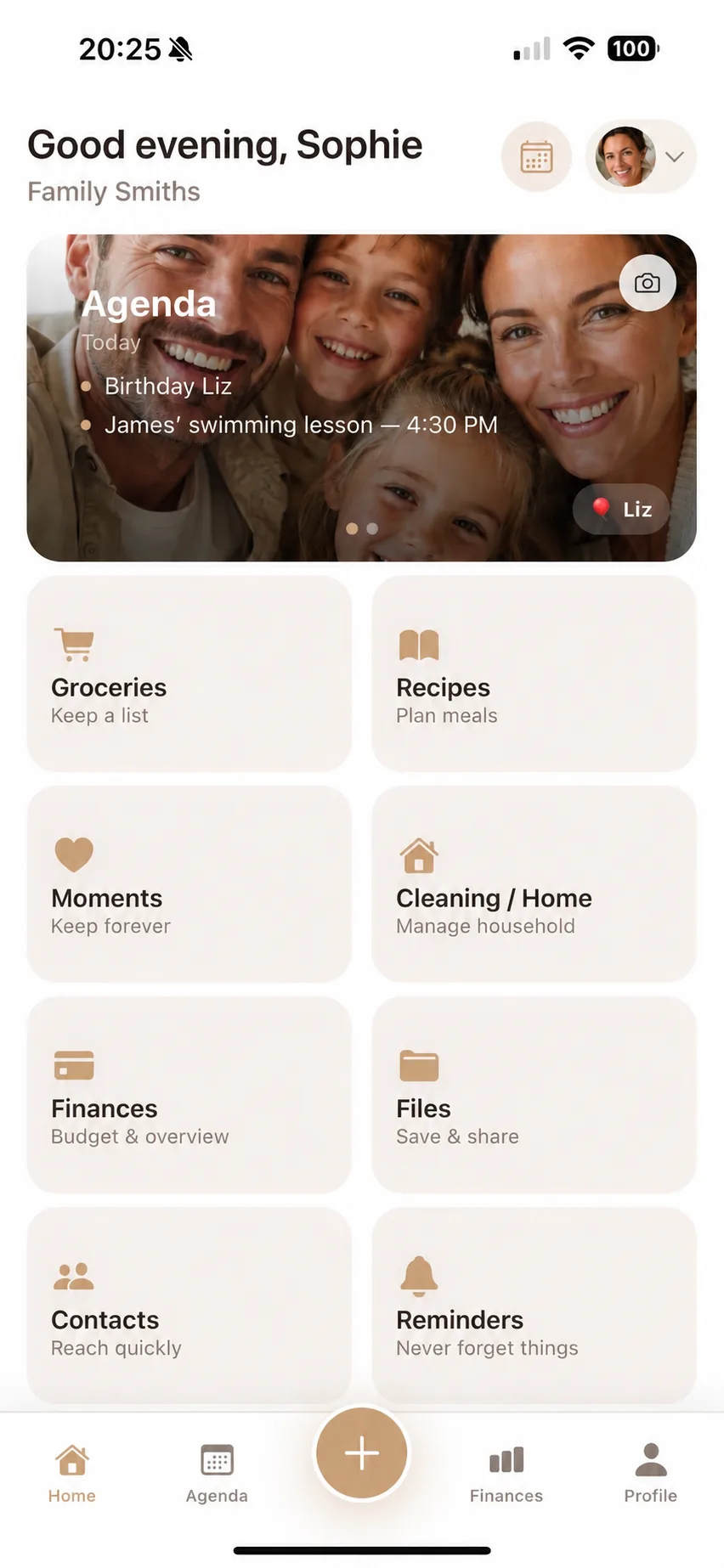
Try the arrangement for one ordinary school week. Ask whether each person had enough information to act independently. Add more categories or connections only when they solve a real problem. Flow Fam's shared calendar feature page shows how a combined family view is presented in the app.
Shared calendar app for couples & families | Flow Fam