The best family organiser app is not automatically the one with the longest feature list. It is a tool that fits what you need to coordinate and that the people involved are willing to use. Start with the problem you want to solve before comparing prices, screenshots and lists of extras.
Describe three real situations
Think of moments when coordination currently falls apart. Perhaps an appointment is booked twice, a shopping request is buried in an old message or one person keeps track of every household job. Describe what should happen differently in each situation.
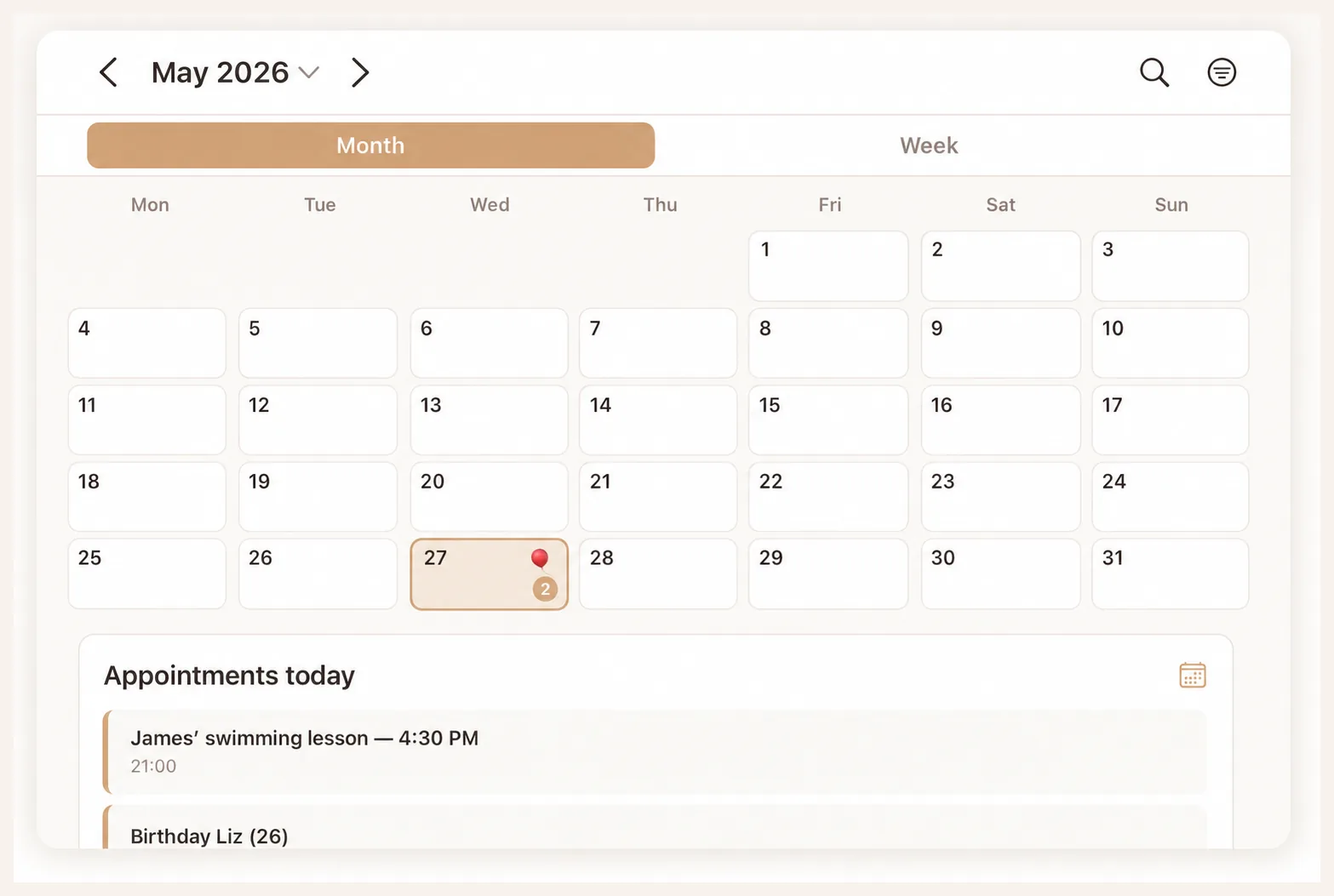
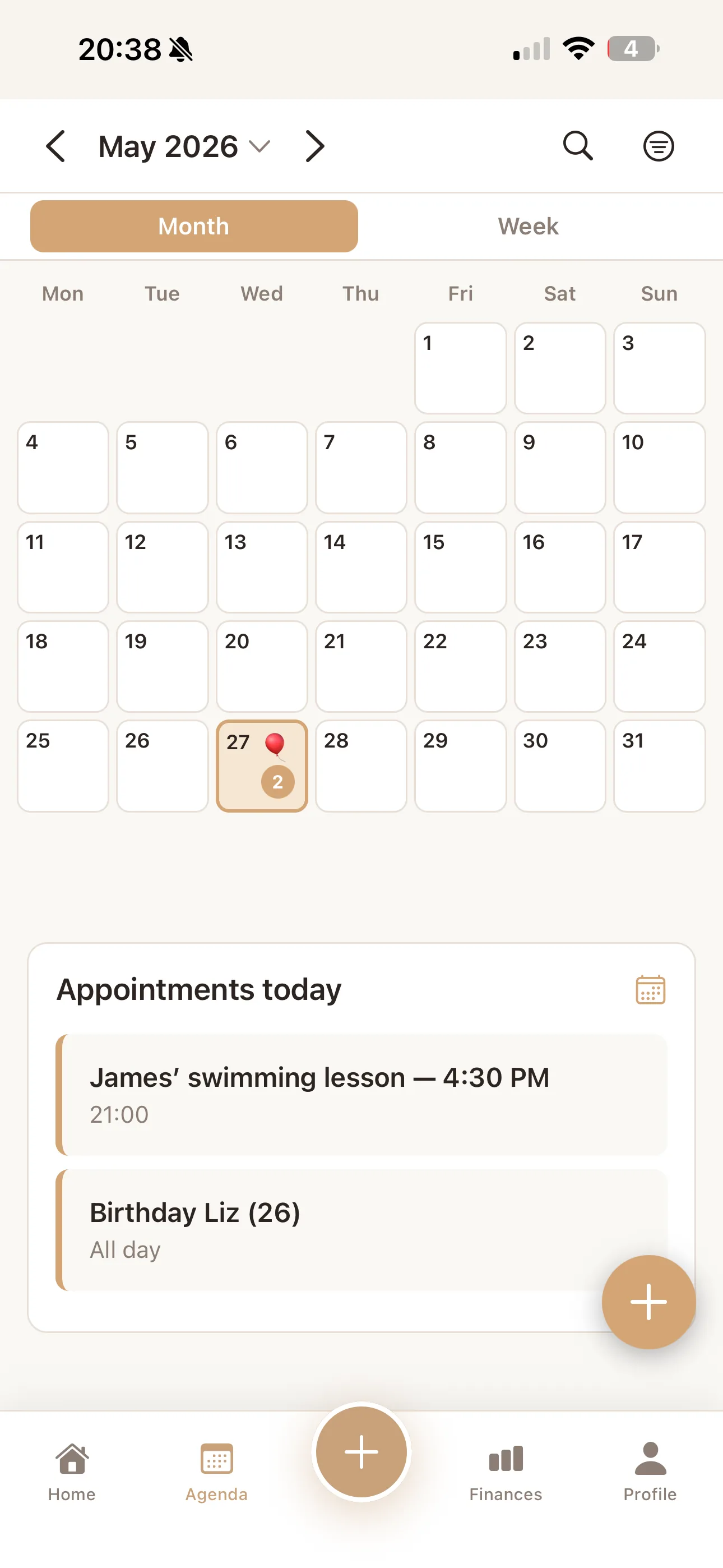
Use those examples as your tests. Duplicate appointments point to a shared calendar. Scattered shopping requests suggest a common list. Chore discussions mean you need to understand whether responsibilities can be recorded clearly, not merely whether the app contains a button called 'tasks'.
Separate essentials from nice extras
A clear basic workflow can be more useful than many additional features. Choose the functions needed to solve your three situations and put other wishes on a second list. This keeps the decision focused on the household's practical needs.
- Can the relevant family members use it on their devices?
- Is the shared calendar easy to understand?
- Do tasks, shopping or meal planning match how you work?
- Are the current price and subscription terms clear?
Check privacy and access
Read what information the provider processes and what other family members can see. Look for an understandable explanation and a clear contact route. Do not make assumptions based only on words such as 'secure' or 'private' on a homepage.
Check how you can remove information or close an account. For co-parenting and other household arrangements, it may be particularly important to agree which information you actually want to share. Have that conversation before adding personal details.
Try an ordinary week
Test a few appointments, a shopping list and one shared task during a normal week. Have more than one person add or change something. Afterwards, discuss how much follow-up was still needed and which parts went unused.
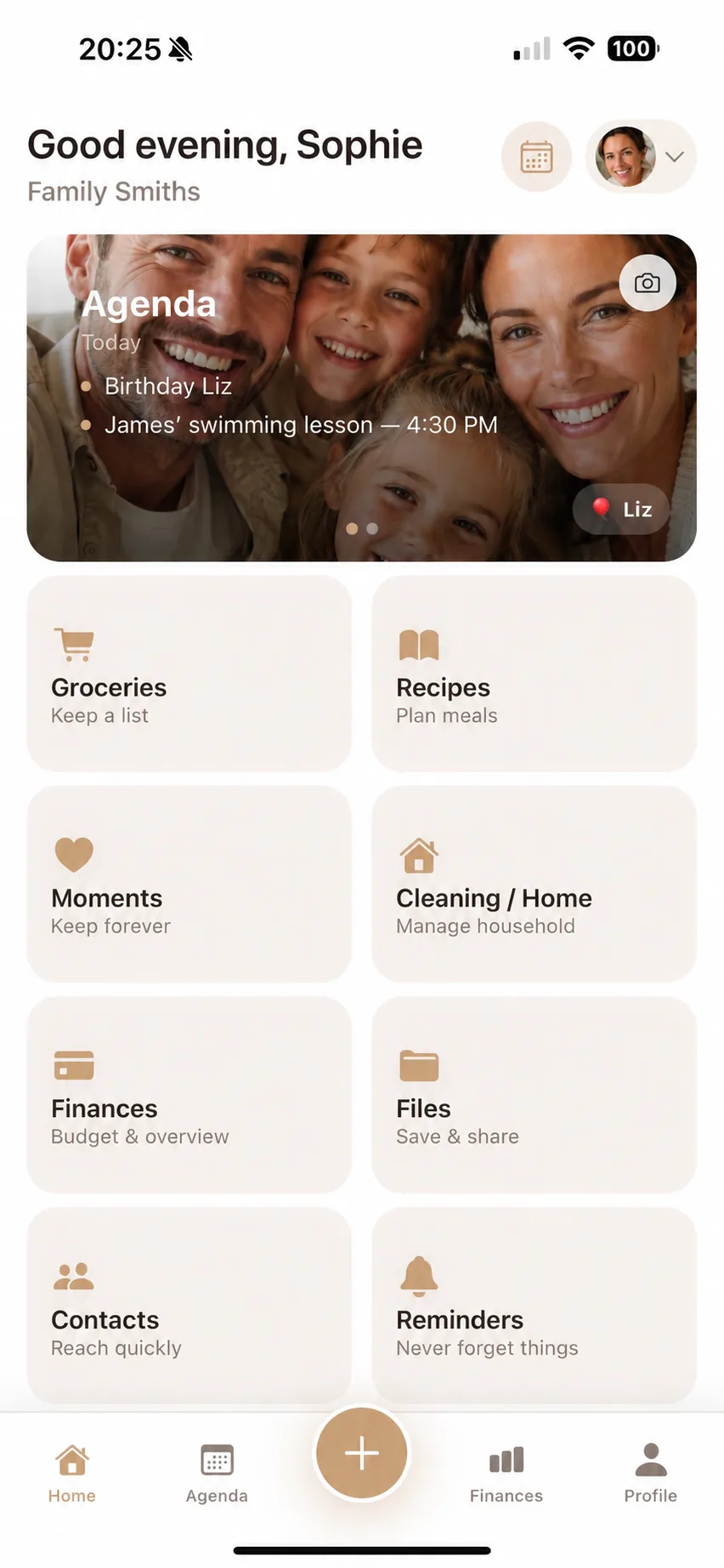
Flow Fam brings together a family calendar, tasks, shopping and meal planning; its feature pages introduce those areas. Check current availability and terms in the App Store. Choose the arrangement that supports your daily agreements, even if you end up using fewer features than the app offers.
Compare family apps: Flow Fam, Cozi, FamilyWall & TimeTree