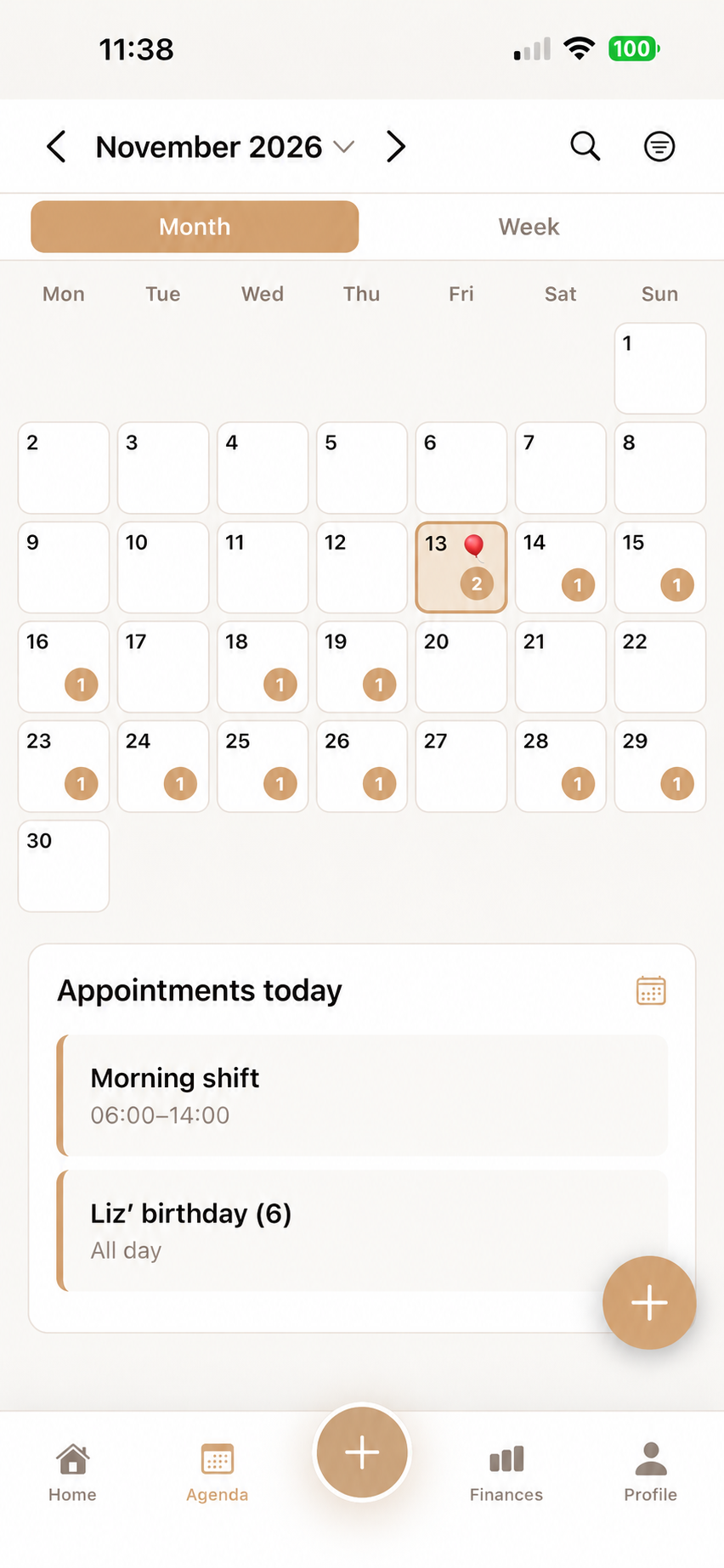
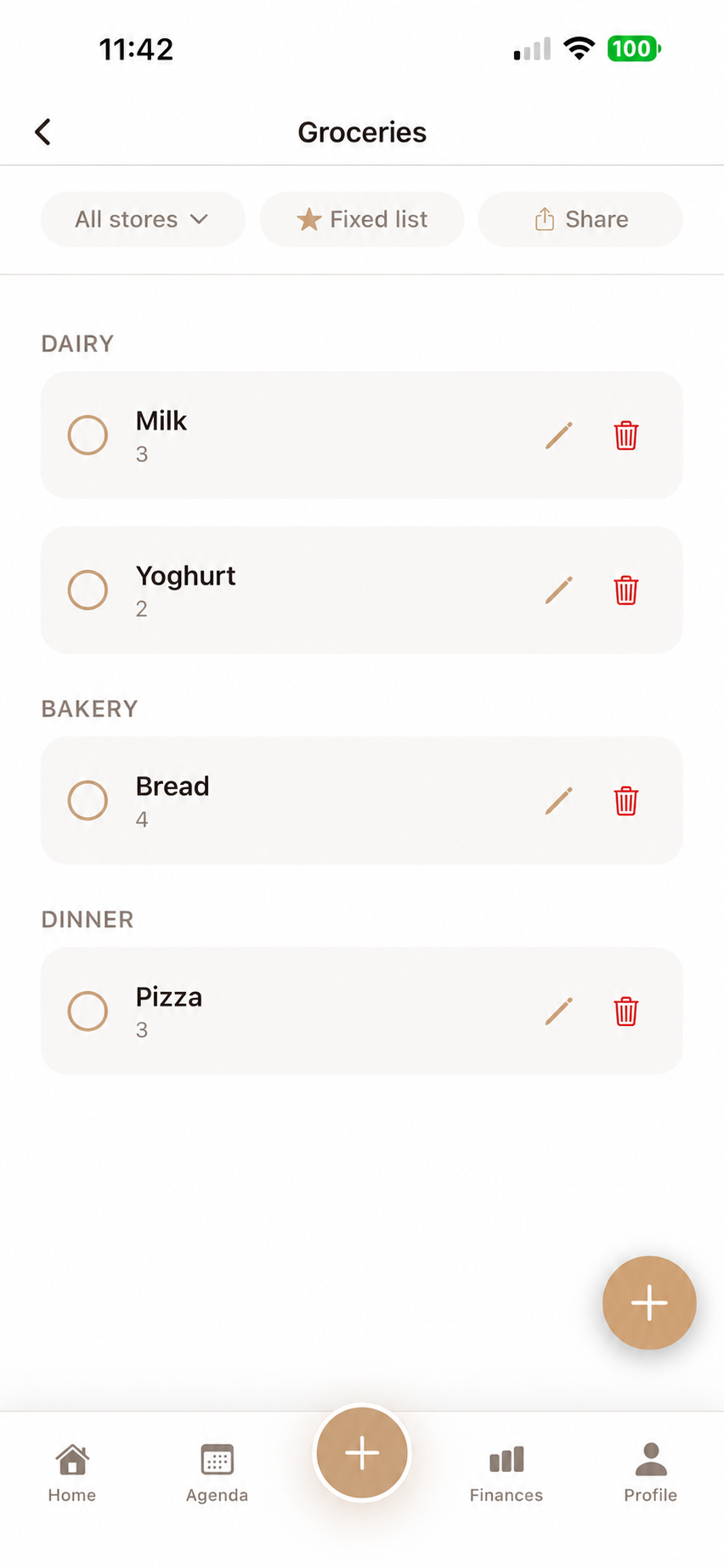
A busy family calendar often changes what belongs on the grocery list. An evening with swimming lessons needs a different meal from a quiet Sunday. Looking at the week before shopping helps you buy for the time you actually have. You do not need to plan every meal or every minute.
Start with the busiest day
Look at the coming week together and find the day when work, school or sport overlap. Choose something realistic for that evening, based on the time and people available. Consider quieter evenings afterwards.
Separate an appointment from its preparation. A swimming lesson has a time; packing the bag and arranging dinner are tasks. Naming them separately shows what needs doing before the activity starts.
How do you choose a realistic shopping time?
Plan when someone can shop as well as what you want to eat. Check existing supplies and make a list for the days until the next trip. That turns an idealised week into a practical shopping plan.
- Which evenings are we at home?
- Who has time to cook?
- What do we already have?
- Who can shop, and when?
When an activity changes
In this fictional example, training moves from Wednesday to Thursday, leaving less cooking time on Thursday. The family moves the longer meal to Friday and chooses something simpler for Thursday. They adjust the grocery list accordingly.
Update both the appointment and the list when the change affects them. If someone is already on their way, send a direct message as well. Changing an app entry is not a substitute for direct contact in an urgent situation.
Calendar and groceries in Flow Fam
The calendar and grocery list are in the same Flow Fam app. The calendar stays free; groceries are among the extra features with a 7-day free trial. A family subscription costs €3.99 per month or €29.99 per year.
Flow Fam does not currently sync with Google Calendar, Apple Calendar or Outlook. Keep appointments shared through Flow Fam there. Review what helped after a week and remove unnecessary details.